
Tamam today? تمام
Your prayers, your body and your self in one set of rings, kept with the friends you choose.
Free. On iPhone it comes through Apple’s TestFlight app for now; the App Store comes once Apple approves it.
Keep going together
Only friends you accept see your day: your prayers, your Deen ring and a daily score. Body and Self only if you switch them on, as today’s percentage. Never your journal, health numbers, private goals or town.
Who sees what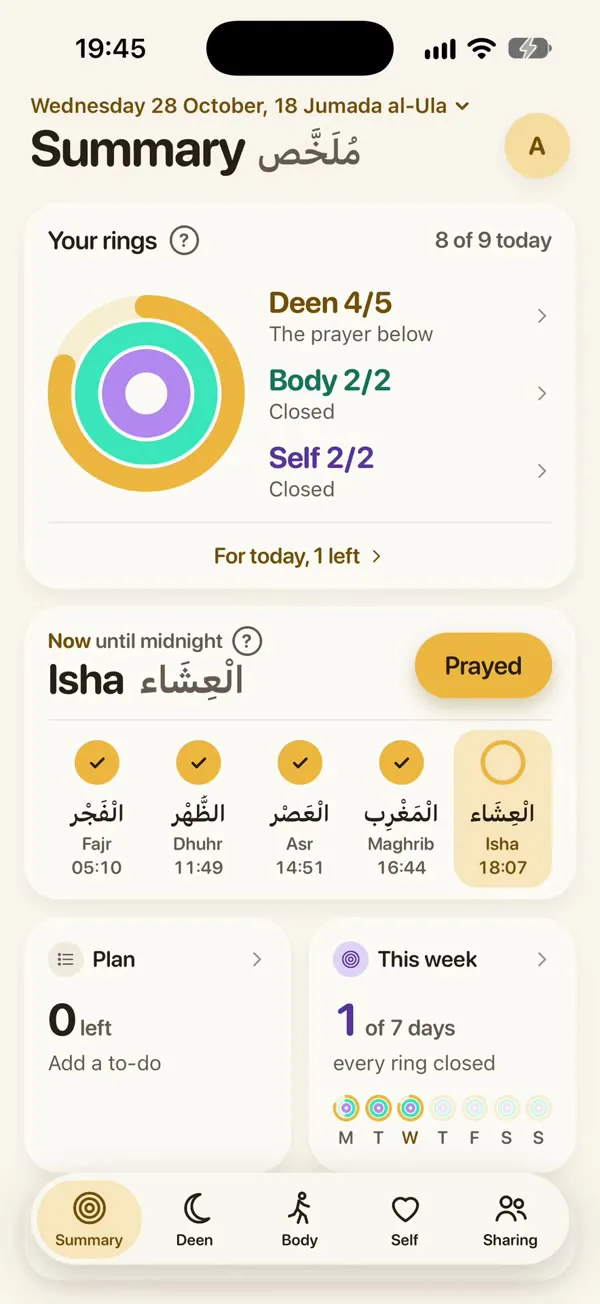
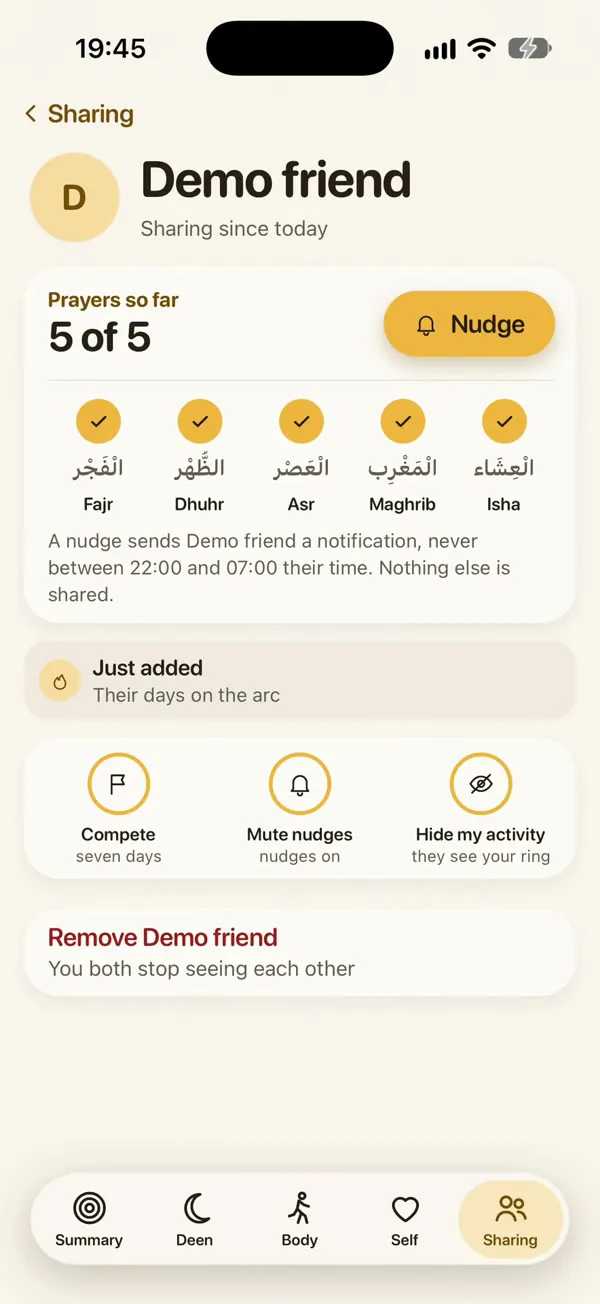
Three rings, and your friends
Each week counts the days you closed all three rings, over 16 weeks from your first day.
- Deen
The five prayers, and the sunnah, adhkar or Qur’an you choose.
- Body
A walk, the gym and lights out.
- Self
Your own habits.
- Friends
Their prayers beside yours.
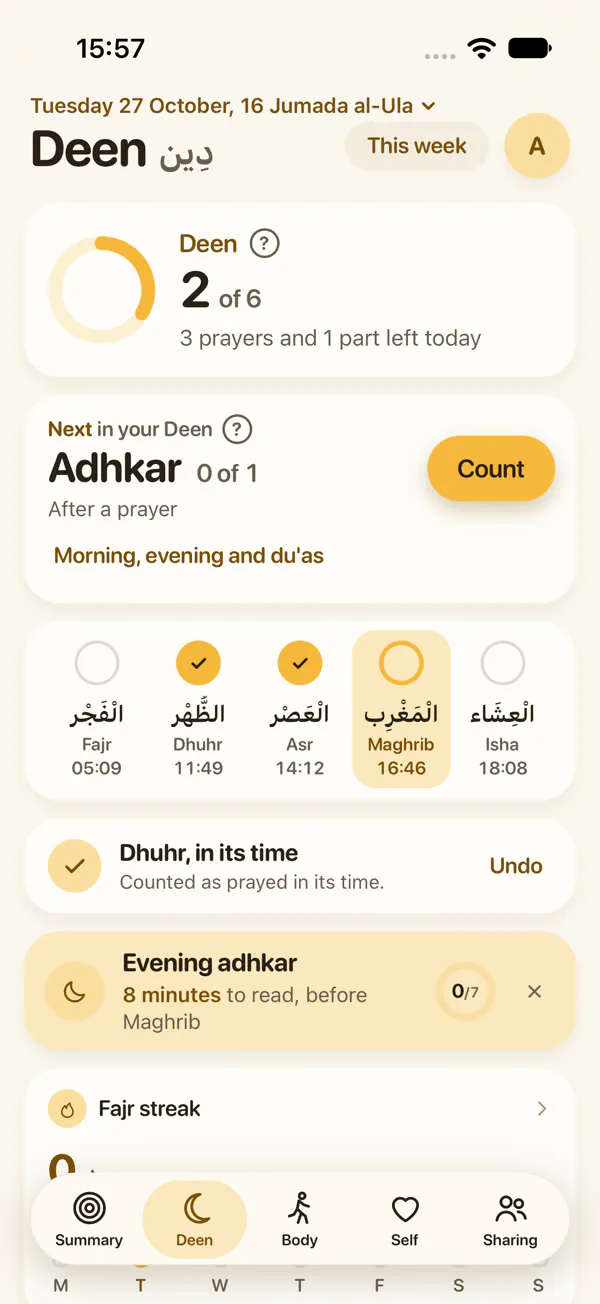
Deen
The five prayers
Tick each one in its time, with a reminder or the adhan.
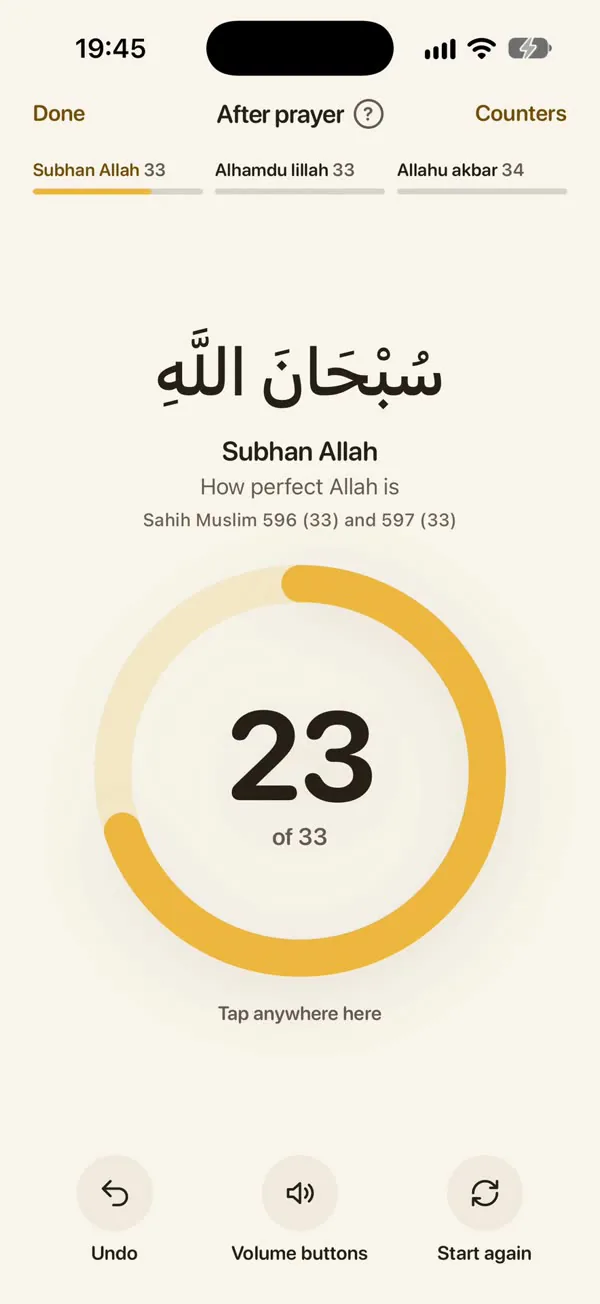
Deen
After the prayer
Tap anywhere on the screen to count the adhkar.
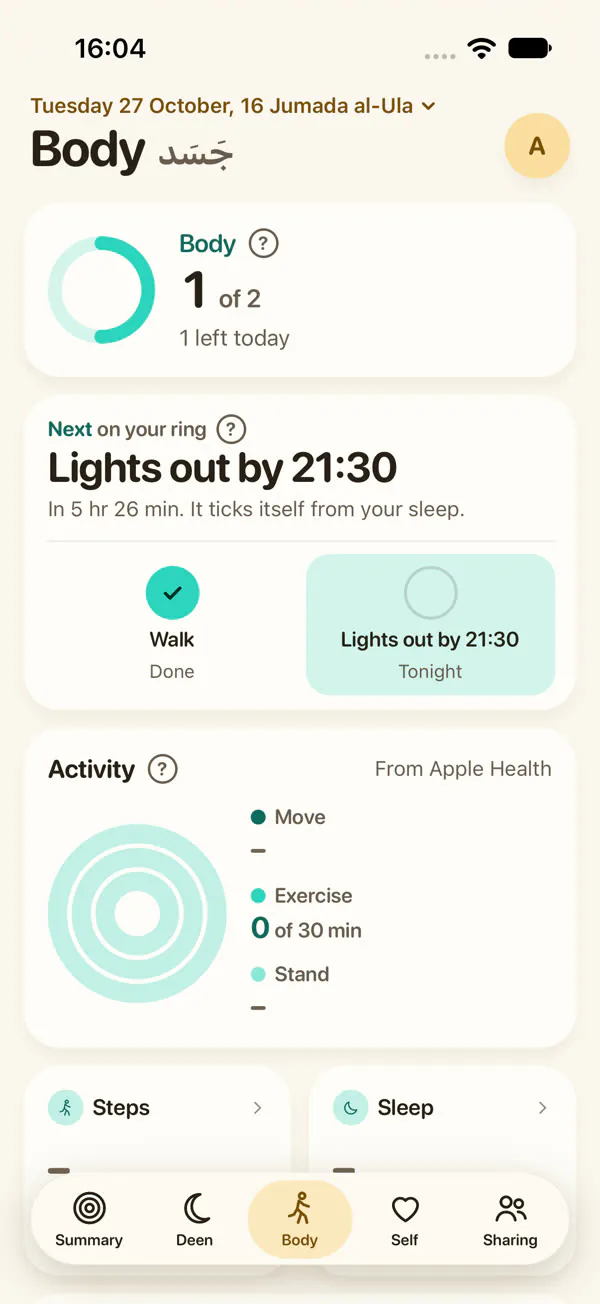
Body
Ticks itself
Walk, Gym and Lights out tick from Apple Health.
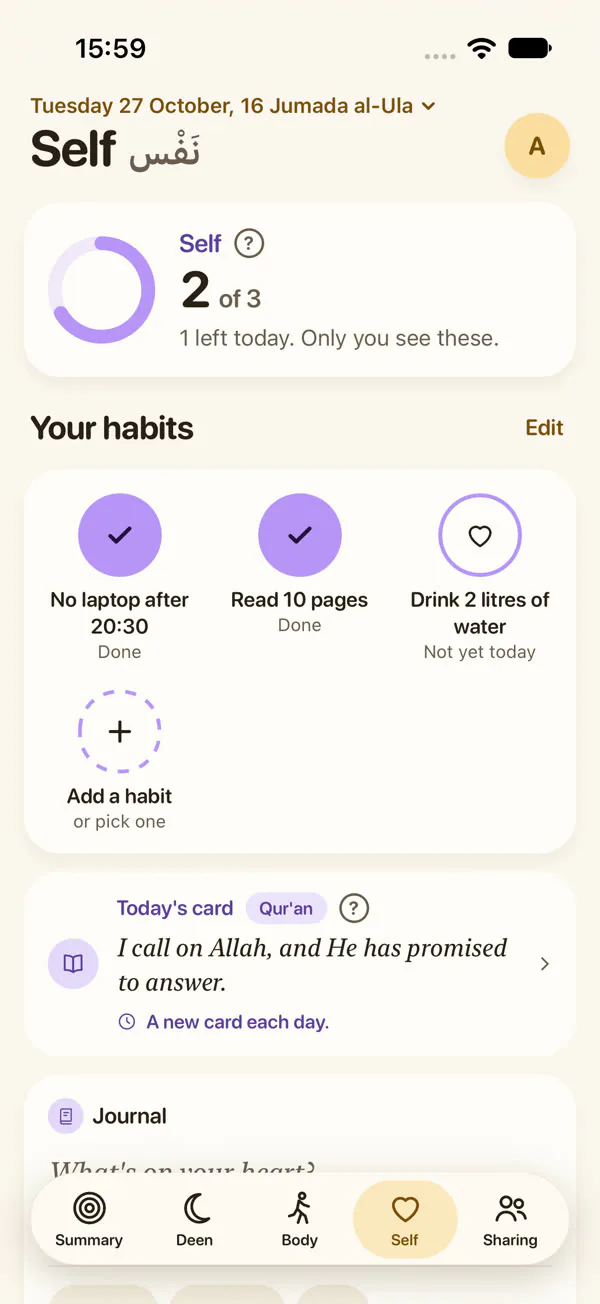
Self
Your habits
Ticked as circles. Friends never see their names.
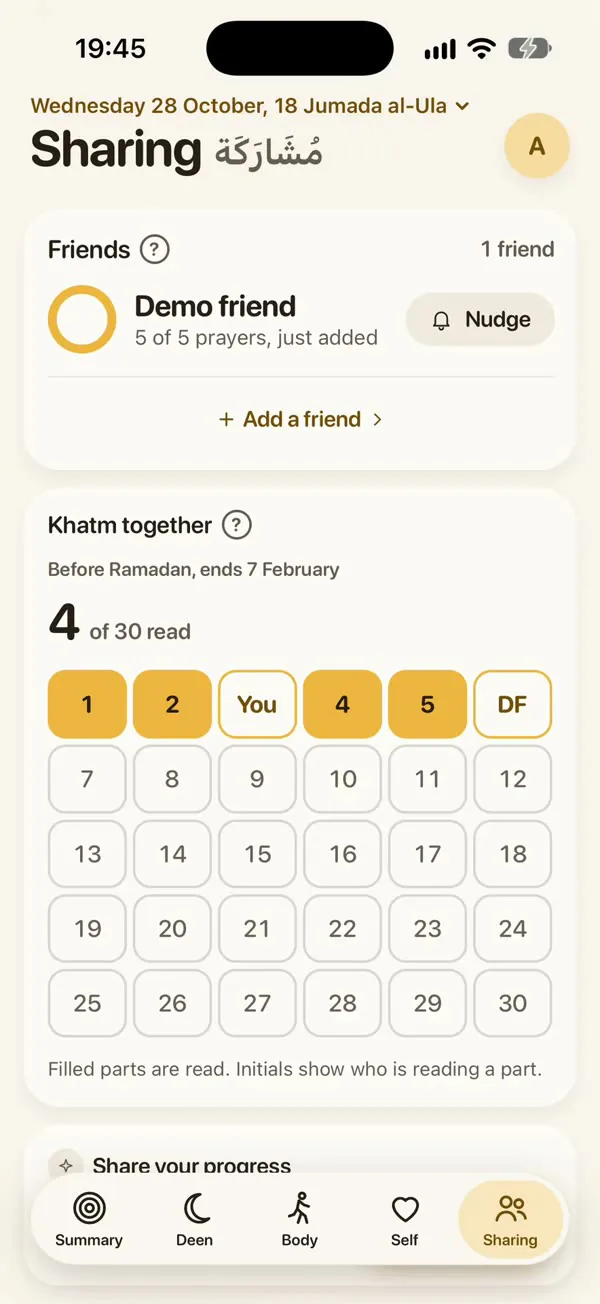
Friends
Each other’s prayers
Invite a friend by link or username, and send a nudge.
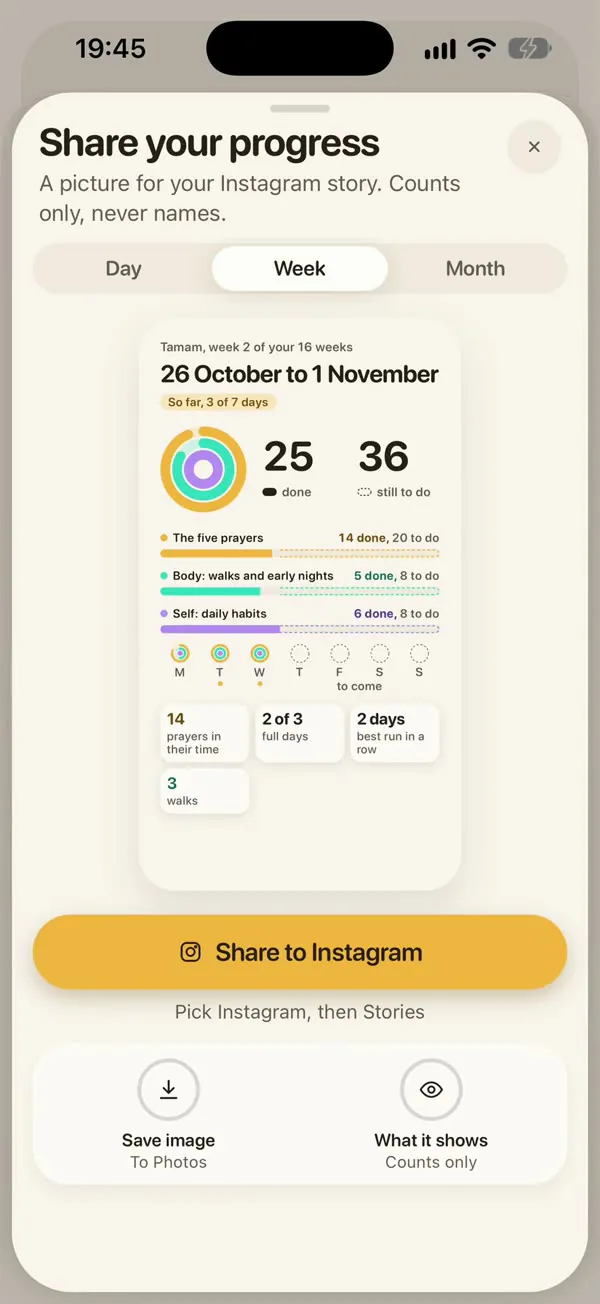
Friends
Share your progress
A picture of your day, week or month for Instagram.
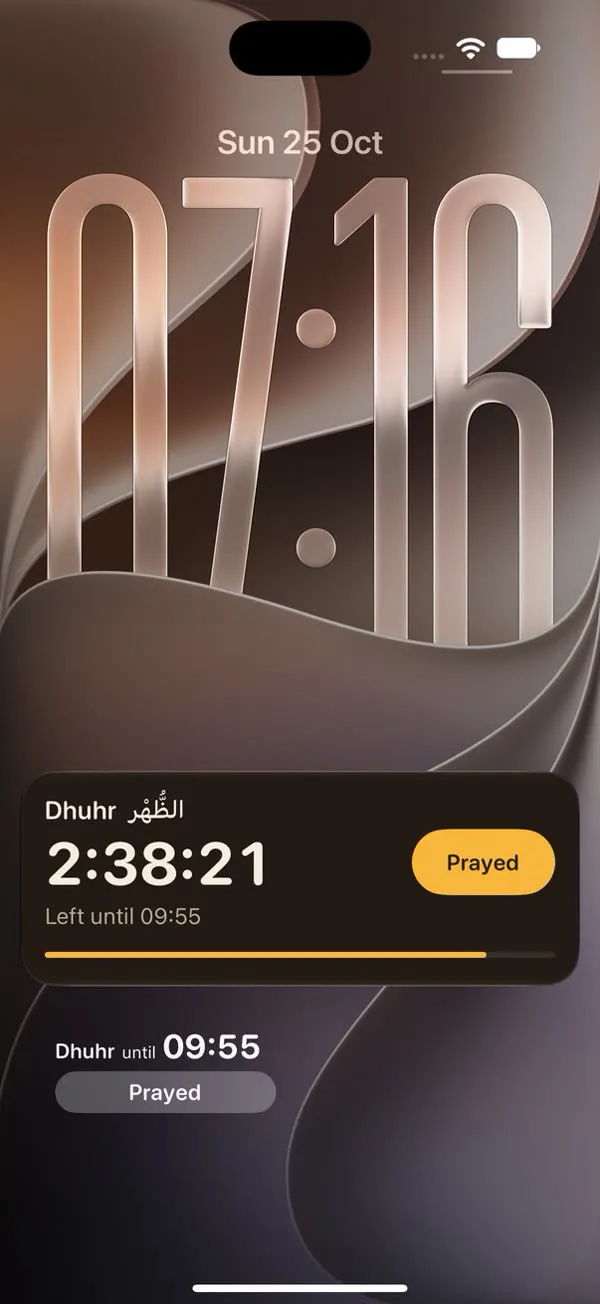
On your iPhone
Lock Screen countdown
The prayer now counts down, with Prayed beside it.
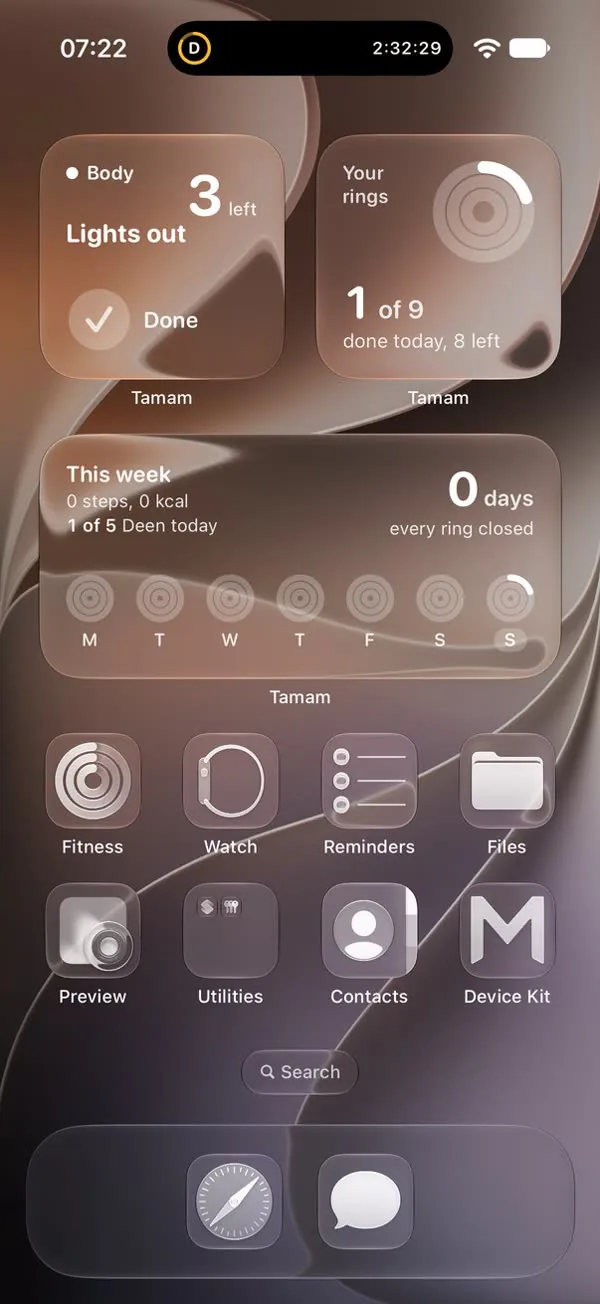
On your iPhone
Widgets
Five: your rings, the next prayer, this week and more.
“The most beloved deeds to Allah are those done consistently, even if they are small.”
Private, and yours to delete
No adverts and no tracking
No analytics companies, and your information is never sold.
Start without an account
What you record stays on your phone until you sign in.
Delete everything in one go
In Settings, or on the Delete your account page.
Start with the next prayer
Tick one prayer today and see how the day feels.
On iPhone, Apple asks you to install TestFlight first. Then tap Accept, then Install. Stuck? The support page has the steps.
More from Qadam Studio
-
Ahlan
First steps in Islam for new Muslims.
ahlan.qadam.studio -
Ayah
One ayah on your lock screen each morning.
ayah.qadam.studio -
Kalimah
One Qur'an word a day.
kalimah.qadam.studio -

Seerah
One true story a day, with its sources.
seerah.qadam.studio -

Harf
Children trace the Arabic letters.
harf.qadam.studio -

Sadaqa
Small charity, counted privately.
sadaqa.qadam.studio -
Husna
Carry one Name today.
husna.qadam.studio